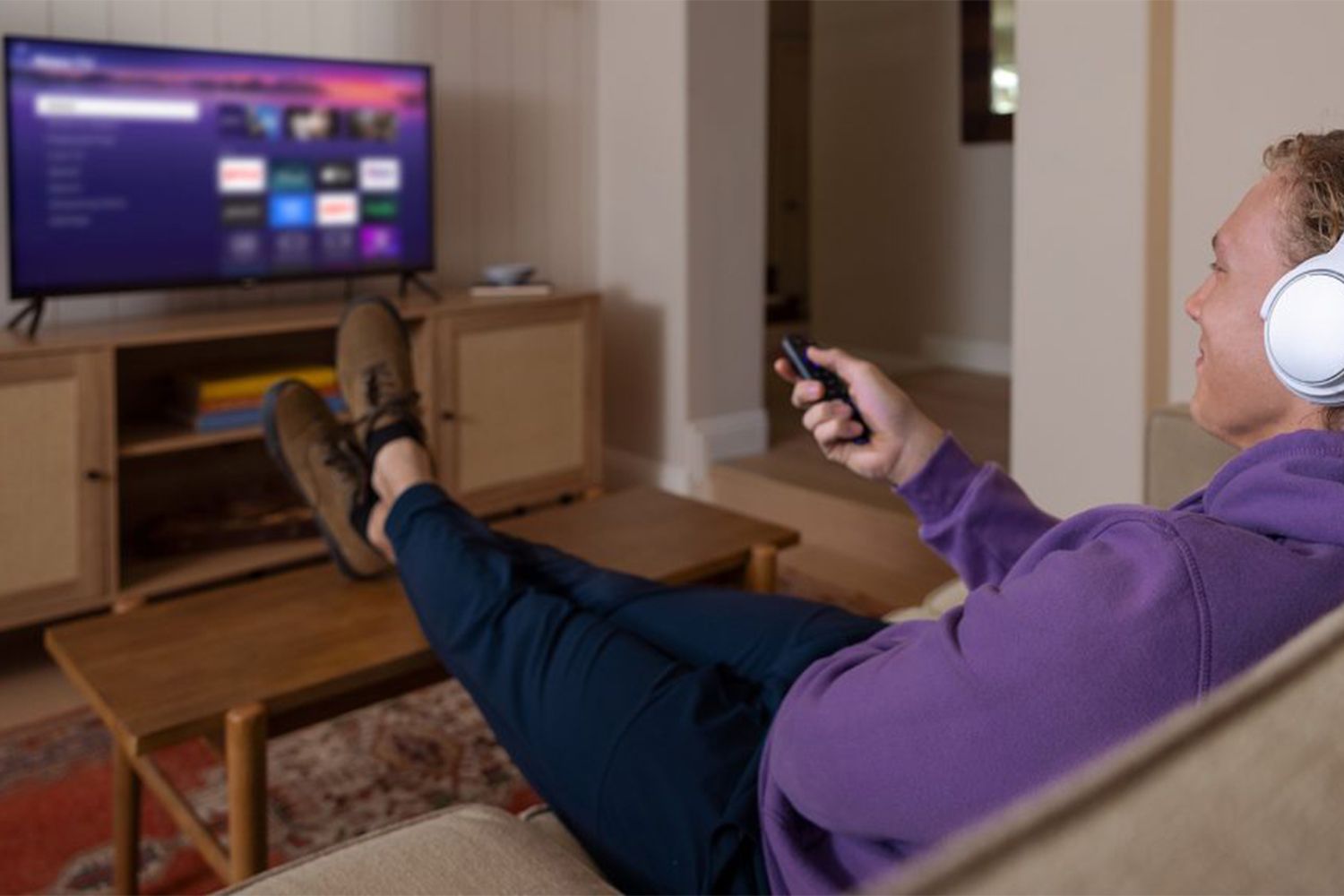
If your Roku routine goes something like open app, watch show, lose remote, repeat, congratulations: you are using about 12% of what the little purple streaming wizard can do. Roku looks simple on purpose, but tucked inside that friendly interface are tools that can save money, cut frustration, reduce buffering, help guests behave, and make late-night binge sessions far less likely to start a household mutiny.
This guide rounds up the best Roku hacks for real people, not laboratory-perfect humans who never misplace a remote or accidentally blast an action movie at midnight. Whether you use a Roku TV, a Streaming Stick, an Ultra, or a soundbar with Roku built in, these tricks can make your setup feel smarter, faster, and a whole lot more personalized.
18 Roku Hacks That Make Streaming Better
1. Turn Your Phone Into a Backup Remote
The Roku mobile app is the hack that saves the day when the physical remote vanishes into the couch dimension. Open the app, connect to your Roku device, and you can navigate menus, launch apps, type with your phone keyboard, and use voice search. That means no more painfully clicking through on-screen letters like it is 2007 and you are texting on a flip phone.
This is especially handy for long Wi-Fi passwords, login credentials, and searches for shows with titles no one can spell on the first try.
2. Use Private Listening for Quiet, Glorious Peace
If you watch TV while someone else is sleeping, studying, or pretending not to judge your reality-show choices, private listening is pure gold. On supported remotes, you can plug headphones directly into the remote. On the Roku mobile app, you can route the TV audio to your headphones through your phone.
It is one of the best Roku tricks for apartments, dorm rooms, shared bedrooms, and parents who just want to hear dialogue instead of, “Can you turn that down?” every seven minutes.
3. Program Quick Launch or Personal Shortcut Buttons
Some Roku voice remotes let you save shortcuts so your favorite action happens instantly. You can assign a button to launch a go-to app, turn captions on, jump into a voice command, or pull up a favorite function without digging through menus.
In real life, that means one tap can take you straight to your workout app in the morning, your news stream at lunch, or your comfort-show rotation after work. That is not laziness. That is interface optimization.
4. Make Your Lost Remote Reveal Itself
Newer Roku devices and remotes include remote-finder features that can make the remote chime when it goes missing. Depending on your model, you may be able to use a button on the device, the mobile app, or a voice command to trigger it.
This is less a feature and more a marriage-saving intervention. If your household regularly treats the remote like a relay baton, this hack pays for itself in reduced accusing.
5. Turn On Guest Mode Before Visitors Touch Anything
Guest Mode is one of the smartest Roku features and one of the most overlooked. When enabled, visitors can sign into their own streaming accounts and choose an automatic sign-out date. That means they get access to their subscriptions without leaving behind their watch history, recommendations, or half-finished true-crime documentary queue.
It is perfect for vacation rentals, visiting family, Airbnb hosts, or anyone whose house turns into a weekend hotel during the holidays.
6. Use Hotel & Dorm Connect When Wi-Fi Is Annoying
Hotels, dorms, and some apartment networks often require a browser sign-in page, which can make streaming devices feel suddenly useless. Roku’s Hotel & Dorm Connect helps supported devices get past that captive portal problem.
If you travel with a Roku Stick, this can be the difference between watching your own apps in a hotel room and being trapped with whatever channel is showing an infomercial at 1:00 a.m.
7. Cast From Apple Devices With AirPlay
If you live in the Apple ecosystem, Roku can play surprisingly well with it. On supported Roku devices, AirPlay lets you send videos, music, photos, and screen mirroring from an iPhone, iPad, or Mac to the TV.
This is great for showing vacation pictures, sharing a presentation, mirroring a workout class, or tossing a video from your phone onto the big screen without playing cable-swap gymnastics behind the TV stand.
8. Save Movies and Shows for Later With Save List
See something interesting but do not want to start it right now? Roku’s Save List feature lets you bookmark titles so they are easier to find later. Instead of opening six streaming apps and forgetting what you were looking for by app number four, you can save promising titles in one place.
This works especially well for people who spend more time browsing than watching. No judgment. That is basically a recognized lifestyle now.
9. Use Voice Commands for More Than Search
Most people know Roku voice search can find movies and shows. Fewer realize it can also help control playback, launch apps, adjust settings, and even handle things like closed captions on supported setups. Once you get used to saying a command instead of clicking five layers deep into a menu, it is hard to go back.
One practical example: if captions are off during a whisper-heavy drama and on during a football game you do not need transcribed, voice control can make that switch much faster.
10. Tame Loud Commercials With Volume Modes
Roku’s volume modes are a small miracle for anyone tired of whisper-quiet dialogue followed by explosion-level ads. Features like night mode and volume leveling can reduce dramatic jumps in sound and make everything easier to hear at saner volume levels.
This is one of those Roku hacks that does not feel exciting until you try it, and then suddenly you wonder how you tolerated the audio chaos before.
11. Reorder Your Apps So Your Favorites Sit on Top
The Roku home screen is customizable, and that matters more than people think. Move your most-used apps to the top so the services you actually watch are not buried under apps you opened one time in 2024 during a free trial phase you would rather not relive.
A cleaner home screen saves time and reduces clutter. Think of it as decluttering, but for your streaming habits instead of that drawer full of mystery chargers.
12. Rename Inputs and Devices Like a Sane Person
If your TV says things like HDMI 1 and HDMI 2, that is technically functional and emotionally useless. Rename those inputs so they say PlayStation, Soundbar, or Cable Box. On some setups, you can also rename the Roku device in the mobile app.
This seems minor until someone asks which input to use and you do not have to give a speech involving remote buttons, guesswork, and hope.
13. Build a Favorites List in the Live TV Guide
If you use Roku’s Live TV features, setting favorite channels can make browsing much faster. Instead of scrolling through a long guide every time, you can create a shorter list of channels you actually care about.
This works especially well for news watchers, sports fans, or anyone who enjoys free live TV but does not enjoy feeling like they are hiking through 900 channels to get there.
14. Turn On Bandwidth Saver
If you are trying to avoid chewing through internet data, Bandwidth Saver is worth enabling. It helps prevent Roku from continuing to stream endlessly when the TV is not actively being watched.
This is a sneaky-good feature for households with capped internet plans, kids who walk away from paused cartoons for suspiciously long stretches, or anyone who has ever realized a TV has been streaming to an empty room like a very committed theater actor.
15. Fix Buffering Faster With Network Checks and Simple Restarts
Not every Roku problem needs a dramatic tech ritual. A system restart, a router restart, or a quick network check can solve a surprising number of freezing and buffering issues. If your Wi-Fi has both 2.4 GHz and 5 GHz bands, testing both can also improve performance depending on distance and interference.
It is not flashy, but it is effective. Sometimes the best hack is simply knowing the boring fix before you spend an hour blaming the streaming app, the internet provider, and the moon.
16. Give the Interface Some Personality With Themes, Screensavers, and Backdrops
Roku lets you customize the look of the home screen with theme packs, screensavers, and newer display features like Backdrops on supported devices. You can keep it simple, go seasonal, or make your TV look more intentional when it is idle instead of like a giant black rectangle judging your furniture choices.
If you prefer a more personal touch, photo-based display options can also make the TV feel like part of the room rather than a device waiting impatiently for your next binge.
17. Play Your Own Media Through Roku Media Player
Supported Roku devices with a USB connection can use Roku Media Player to show personal videos, music, and photos. That means you can turn your TV into a big-screen slideshow, play downloaded media, or share family clips without crowding around a phone.
This is particularly useful during holidays, parties, or family visits, when someone inevitably says, “Wait, let me show you that video,” and suddenly the living room becomes a tiny film festival.
18. Lock Down Purchases With a Roku PIN
If multiple people use your Roku, set up a Roku PIN for purchases and subscription changes. Add parental controls if your household needs stricter content boundaries on supported features like Live TV inputs.
This is one of the least glamorous Roku hacks and one of the most practical. A PIN can stop surprise purchases, accidental sign-ups, and the kind of child-led button pressing that somehow results in a premium subscription no one remembers ordering.
Why These Roku Hacks Actually Matter
The best Roku tips are not just about saving a few clicks. They change how the device fits into daily life. Private listening makes small-space living easier. Guest Mode protects your accounts. A cleaner home screen cuts friction. Better sound settings improve every show, every night. And quick fixes for buffering or lost remotes reduce the tiny frustrations that make tech feel more complicated than it needs to be.
In other words, these hacks help Roku stay what it is supposed to be: simple. Not “simple once you watch four tutorials and learn eight hidden menus.” Just simple.
Extra Experience: What Using These Roku Hacks Feels Like in Real Life
After people start using Roku more intentionally, the experience changes fast. The biggest shift is not some flashy feature. It is the way little annoyances stop piling up. For example, once the mobile app is installed, the panic of losing the remote drops from “everyone check the couch cushions” to “give me five seconds.” That alone can make a living room feel 40% more civilized.
Private listening also tends to become a household favorite almost immediately. Someone wants to watch an action movie late at night, someone else has an early meeting, and suddenly the old volume battle disappears. Instead of riding the remote like a brake pedal during every loud scene, the viewer just plugs in headphones and keeps going. It feels like a small luxury, but in daily life it is the kind of feature people end up using constantly.
Guest Mode changes the experience in a different way. If you have ever had houseguests sign into three streaming apps and then leave without signing out, you already know why this matters. With Guest Mode, the whole situation feels cleaner and more controlled. Visitors get what they need, and the homeowner does not spend the next week wondering why the recommendations now look like a random blend of preschool cartoons, true crime, and dating shows filmed on tropical islands.
Customization adds another layer. Reordering apps sounds basic until you do it. Suddenly the Roku home screen stops feeling like a junk drawer and starts feeling like a dashboard built for your habits. The top row becomes your real entertainment life: maybe Netflix, YouTube, Max, Spotify, and a live TV option. Everything else can sit lower without constantly demanding attention. It is a subtle change, but it makes the whole system feel faster.
The sound settings are another underappreciated win. People often do not realize how much lousy volume balancing affects their mood until they fix it. With volume leveling or night mode enabled, dialogue becomes easier to follow and ads stop ambushing the room. Watching becomes less work. You are no longer lunging for the remote like you are disarming a bomb every time a commercial break hits.
Then there is the travel angle. Bringing a Roku on a trip can feel surprisingly smart, especially for people who dislike hotel TV menus or want access to their usual apps. When Hotel & Dorm Connect works with the network, the room instantly feels more familiar. It is the difference between “I guess I will watch whatever is on” and “I can actually keep up with my show tonight.”
Even the more practical hacks, like setting a PIN or enabling Bandwidth Saver, improve the background experience. You may not notice them every day, but you notice the problems they prevent. No mystery subscriptions. No endless streaming when no one is in the room. No accidental chaos caused by bored button-mashing. That kind of invisible reliability is what makes a streaming setup feel mature instead of messy.
Put all of these together, and Roku goes from being a simple streaming box to a genuinely polished entertainment hub. Same device, same TV, same couch, but a much better experience. And yes, you may absolutely feel a little annoyed that you did not set this stuff up years ago.
Conclusion
Roku works well out of the box, but it works a lot better once you know where the good stuff is hiding. The smartest Roku hacks are not gimmicks. They are practical upgrades that make streaming quieter, quicker, cleaner, and less irritating. So if your current Roku setup feels basic, good news: you probably do not need new hardware. You just need better settings and a few tricks that should have come with a giant neon sign.