
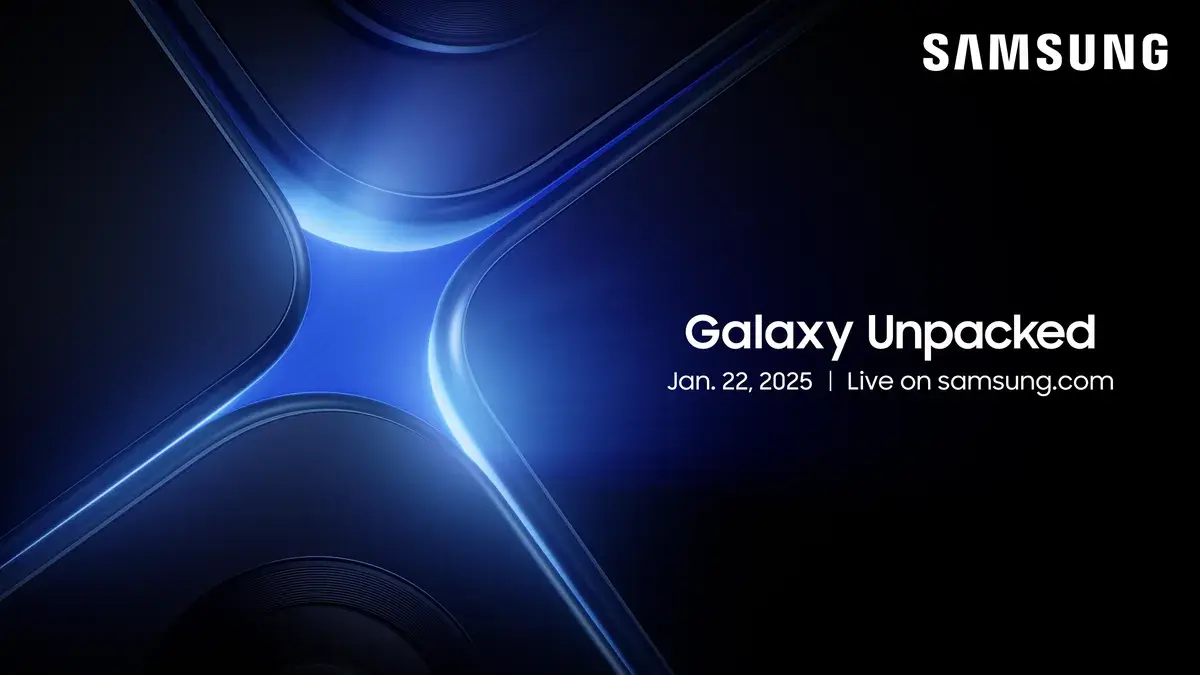
Samsung Unpacked streams are a special kind of tech theater: part product launch, part futuristic pep rally, and part
“did my phone just become my life coach?” If you’re tuning in for the Galaxy S25 Unpacked stream,
the good news is you don’t need a decoder ring to enjoy it. The even better news is that Samsung tends to repeat a
few patternsmeaning we can make some pretty solid guesses about what you’ll see, what actually matters, and what’s
mostly there to make the stage lights feel emotionally supported.
This guide walks you through the how, the what, and the why you should care:
how to watch the stream, which announcements are most likely, what upgrades to look for in the Galaxy S25 lineup, and
how the “AI everything” storyline could translate into real-world features you’ll actually use (instead of forgetting
five minutes later like that treadmill you swore was “an investment in wellness”).
How to Watch the Galaxy S25 Unpacked Stream (Without Hunting for Links)
Samsung usually makes Unpacked easy to find becauseshocking twistit would like you to watch it. Expect the livestream
to be available on Samsung’s official site, Samsung’s Newsroom, and Samsung’s YouTube channel. If you’re the type who
likes commentary, plenty of major tech sites typically run liveblogs and rapid-fire recaps during the event.
What the stream feels like
Unpacked events move fast. Samsung doesn’t do a slow simmer; it does a full boil. You’ll see slick product shots,
big headline claims, quick demos, and a parade of phrases like “next level,” “seamless,” and “new era.”
The trick is knowing which parts are stage magic and which parts affect your everyday lifelike battery, cameras,
performance, and update support.
The Main Event: Galaxy S25, S25+, and S25 Ultra
The safest bet for any winter Unpacked is the flagship Galaxy S lineup, and the Galaxy S25 series is the
headliner here. Expect Samsung to introduce the standard model, the Plus, and the Ultra. The Ultra gets the most airtime
because it’s the one designed to make you think: “I don’t need it… but what if I become the kind of person who needs it?”
Design: Subtle changes that sound dramatic
Don’t expect Samsung to reinvent the smartphone rectangle. The visual changes are usually evolutionary: slightly refined
corners, slimmer profiles, minor tweaks to camera rings, and materials that sound like they belong in a luxury watch ad.
If there’s a noticeable change, it’s often in ergonomicshow it feels in handespecially on the Ultra, which tends to
be the “big phone with big opinions.”
Performance: The “for Galaxy” chip story, explained like a human
Expect Samsung to spotlight a top-tier processor (often a Snapdragon variant with special tuning “for Galaxy”).
Translation: faster performance, better efficiency, and more headroom for on-device AI tasks. For most people,
the meaningful effects show up as smoother gaming, snappier multitasking, faster photo processing, and less “why is my
phone warm enough to toast bread” during heavy use.
Battery and charging: Real improvements, carefully worded
Battery talk at Unpacked is usually optimistic but not reckless. You’ll hear claims about smarter efficiency,
power management, and all-day use, plus hints about faster charging or improved wireless charging support.
The practical takeaway: look for better endurance under mixed use (camera, maps, social, video, messaging),
not just a bigger number on a spec sheet.
Cameras: Where Samsung Loves to Flex (And Where You Should Pay Attention)
If Samsung had a favorite hobby, it would be taking photos of the moon and then arguing about it on the internet.
The Galaxy S25 Unpacked stream is likely to spend serious time on camerasespecially the Ultra.
What upgrades typically matter most
-
Low-light improvements: Better processing can reduce blur and noise in night shots, which is where
most phone cameras still struggle. -
Zoom consistency: Samsung tends to emphasize telephoto performancehow usable zoom photos are at
common ranges, not just the wild, headline-grabbing numbers. -
Ultrawide quality: The ultrawide is often the “third wheel” camera that suddenly becomes important
when you’re trying to fit an entire group into a photo without stepping into traffic. -
Video stability and color: The difference between “I filmed a memory” and “I filmed a shaky rumor”
is often stabilization and better HDR handling.
AI camera features: useful when they’re invisible
The best camera AI features are the ones you don’t notice because they quietly rescue your photos. Expect Samsung to
highlight smarter scene detection, better subject separation (especially in portraits), improved motion handling,
and editing tools that feel like “photoshop-lite” without the emotional damage of learning Photoshop.
Galaxy AI: The Star of the Show (Whether You Asked for It or Not)
Samsung’s modern Unpacked formula includes a healthy serving of AIenough that your TV might start suggesting a
computer science degree. The key is sorting “AI as a headline” from “AI as a feature you’ll actually use.”
Expect these Galaxy AI themes
-
Smarter assistance across apps: The pitch is “do more with fewer taps”summarize, rewrite,
translate, and organize without bouncing between apps. -
On-device intelligence: More processing on the phone can mean faster responses and better privacy
(depending on the feature). -
Context awareness: Samsung likes to demo AI that understands what’s on your screen or what you’re doing
so it can “help” at the right momentideally without being annoying about it. -
Communication upgrades: Live translation, call help tools, and message-level assists tend to be
reliable crowd-pleasers.
A reality check: AI features live or die on two things
First: speed. If it’s not fast, you won’t use it. Second: trust. If the result is often wrong (or weird), you’ll try it
once and never again. Watch for live demos that feel immediate, not stagedlike summarizing a long note, cleaning up
a messy message, or translating naturally in a conversation.
One UI and Software: The Quietly Important Part
Hardware gets the applause, but software is what you live with. The Galaxy S25 Unpacked stream will likely
highlight the newest version of Samsung’s interface (One UI) and how it supports Galaxy AI.
What to listen for in the software segment
- Update policy: How long Samsung promises OS and security updates.
- AI integration: Where AI lives (keyboard, gallery, notes, browser, system-wide assistant).
- Quality-of-life features: Battery tools, accessibility improvements, multitasking updates, and new privacy controls.
If Samsung shows AI features that work across Samsung apps and third-party apps, that’s a bigger deal than a
flashy one-off trick. Cross-app usefulness is where phones start to feel legitimately smarter instead of just “new.”
Wild Cards: Extra Devices and Surprise Cameos
Unpacked events often tease at least one additional product or platformsometimes a wearable, sometimes a new form factor,
sometimes a “we’re working on it” preview designed to keep everyone talking.
Possible cameos you might see
-
An ultra-thin or alternate S25 model tease: Samsung occasionally hints at variations beyond the main trio.
Even a quick tease can signal where the lineup is headed. -
Health and wearable updates: If Samsung wants to remind you it has an ecosystem, you may see mentions
of watches, rings, earbuds, or health featuresespecially if AI can personalize wellness insights. -
XR or future platforms: Samsung has been publicly interested in extended reality. A brief mention can be
enough to set expectations for later events.
How to “Read” the Stream Like a Pro
Here’s a simple trick: treat Unpacked like a movie trailer. The goal is to make everything feel essential.
Your goal is to spot what actually changes your daily experience.
Pay closest attention to:
- Camera demos in real scenarios (night, motion, indoor, zoom transitions)
- Battery claims tied to behavior (“hours of video,” “navigation,” “mixed use”) not just vague “all-day” talk
- AI features shown end-to-end (prompt → result → next step), not just concept slides
- Upgrade comparisons that mention last year’s model in measurable ways
Should You Watch Live or Wait for the Recap?
If you like the energy, the jokes, the live reactions, and the tiny moments where something doesn’t go exactly as planned
(my favorite genre of tech content), watch live. If you just want the factsprice, release date, specs, and what’s new
waiting for a recap is perfectly rational and probably better for your blood pressure.
The sweet spot for most people: watch the first 10 minutes, the main phone reveal, and the camera segment. If Samsung
starts showing “AI that changes everything,” grab a snack and let the recap writers do their jobs.
Extra: The Unpacked Experience, Explained (And Enjoyed) of Real-World Watching Tips
Watching a Galaxy Unpacked stream is a little like attending a concert for a band you don’t technically
listen to every daybut you still know the hits. You show up for the big moments (Galaxy S25 Ultra! New camera! New AI!)
and you stay because, somehow, the vibe is fun. Even if the vibe is “corporate excitement,” which is still excitement,
just wearing a blazer.
If you want the best Unpacked viewing experience, set yourself up like you’re about to watch a sports game. Put it on a
bigger screen if you can. Phones launching on phones is poetic, but it’s also a little like reading a menu while eating
the menu. A laptop or TV makes it easier to catch the small detailscamera comparisons, on-screen UI changes, and those
quick spec flashes that appear for approximately 0.7 seconds.
Try watching with one question in mind: What problem is Samsung trying to solve for me? That question keeps you
grounded when the stream inevitably goes full cinematic. If the answer is “take better low-light photos of your friends,”
great. If the answer is “reinvent human productivity through an AI that writes your grocery list,” you can decide whether
that’s life-changing or just… Tuesday.
Another fun move: make a tiny checklist before the event starts. Not a spreadsheet (unless that’s your love language),
just a short list:
camera upgrades, battery, chip performance, AI features I’ll use,
and price. Then, as you watch, mentally score each category. This turns the stream into something interactive
instead of passively absorbing buzzwords like your brain is a sponge in a marketing jacuzzi.
If you’re shopping, your best “experience” is actually the after part: the moment the stream ends and the practical
info shows uppreorders, trade-in values, storage tiers, and carrier deals. That’s where excitement meets reality.
It’s also where you discover whether the features that sounded amazing on stage are bundled into the model you actually
want, or locked behind “Ultra-only” like a velvet rope at a very expensive club.
And finally: enjoy the spectacle. Unpacked is one of the last big tech events where companies still attempt genuine
showmanship. Even if you don’t buy a Galaxy S25, you’ll walk away understanding where Samsung thinks phones are going:
more AI, more personalization, more camera ambition, and more “your device is an assistant” energy. Watch it like a preview
of the near futurebecause even when you roll your eyes at the hype, the ideas have a way of showing up in your pocket
sooner than you expect.
Conclusion
The Samsung Galaxy S25 Unpacked stream is expected to focus on the Galaxy S25 lineupespecially the Ultra
plus a heavy emphasis on Galaxy AI and software features designed to make your phone feel more helpful (and less like
a glowing distraction rectangle). Watch for meaningful camera improvements, real-world performance gains, and AI features
that save you time in daily tasks rather than just looking impressive on stage.
Whether you watch live or catch the highlights afterward, the smartest way to approach Unpacked is simple:
focus on the upgrades that match your life. If you take a ton of photos, follow the camera story. If your phone is your
work tool, watch the productivity and AI segments. And if you’re mostly here for the drama of “what’s new,” relaxSamsung
will absolutely deliver at least one surprise, one tease, and one moment that makes you whisper, “Okay… that’s actually cool.”













