Want your business to sound less like a tax form and more like a brand people actually remember? That’s where a DBA comes in. In Texas, a DBA is usually called an assumed nameand filing it is basically the state’s way of saying, “Cool name. Now tell the public who’s really behind it.”
This guide walks you through how to apply for a DBA in Texas step by step, with clear choices depending on your business structure (sole proprietor vs. LLC vs. corporation), plus real-life gotchas that tend to ambush people at the worst possible momentlike five minutes before you meet a banker who loves paperwork.
What a Texas DBA Is (and What It Definitely Isn’t)
A Texas DBA (Doing Business As) lets you operate under a name that’s different from your legal name or your entity’s legal name. If your legal business name is “Maria Gonzalez” but you want “Hill Country Candle Co.” on your sign, invoices, and website, you’ll likely file a DBA.
DBA = public notice, not name ownership
Filing an assumed name is primarily a notice filing. It helps customers, vendors, and courts identify the real owner behind the brand. But it does not automatically protect the name like a trademark would. Translation: filing a DBA doesn’t magically grant you the power to zap copycats with a legal lightning bolt.
DBA vs. LLC (quick reality check)
- DBA: a registered nickname for your business.
- LLC / corporation: a legal entity with liability protection (and its own set of rules).
You can have an LLC and still use a DBA if you want to do business under a different brand name than your LLC’s legal name.
Step 1: Figure Out Where You Must File (This Is the Big Fork in the Road)
In Texas, where you file your DBA depends on your business structure. Think of it like choosing a checkout lane: one lane is “County Clerk,” the other is “Texas Secretary of State.” Pick the wrong line and you’ll be politely told to go stand in the other one.
If you are an LLC, corporation, LP, LLP, professional association, or foreign entity
You generally file your assumed name certificate with the Texas Secretary of State using Form 503. Since law changes that took effect years ago, entities that file at the state level typically do not also file the same assumed name at the county level.
If you are a sole proprietor, general partnership, joint venture, estate, or REIT
You generally file with the county clerk in:
- each county where you maintain a business office, or
- if you don’t maintain a Texas business office, each county where you conduct business.
Pro tip: If your situation is unusual (multiple owners, multiple counties, home-based business, or you operate statewide), decide your filing plan before you print anything. Texas paperwork loves confidence.
Step 2: Pick a DBA Name That Won’t Create a Headache Later
Your DBA name can be creative, but it should also be practical. Ask yourself: Can people spell it? Will it look normal on a bank account? Does it sound like a legitimate business or a questionable energy drink?
Run a “reality check” search
- County records search: If you’re filing with a county clerk, search that county’s assumed name records.
- State-level search: If you’re a filing entity, use SOSDirect search tools to look for confusingly similar names.
- Google + social handles: Not legally decisive, but extremely decisive for marketing.
Know the limits: similar names can exist
In Texas, an assumed name filing is not designed to prevent others from filing the same name. That’s why smart business owners consider trademark strategy if the brand really matters.
Step 3: Decide Your Business Details Before You Touch the Form
Most DBA applications fail for one of two reasons: (1) people skip details, or (2) people “guess” details and later discover the form has the memory of an elephant. Gather this information first:
What you’ll commonly need
- Exact assumed name you plan to use (spelling and punctuation matter).
- Legal name of the owner or entity.
- Business address (principal office or primary location).
- Counties where you’ll conduct business under that assumed name.
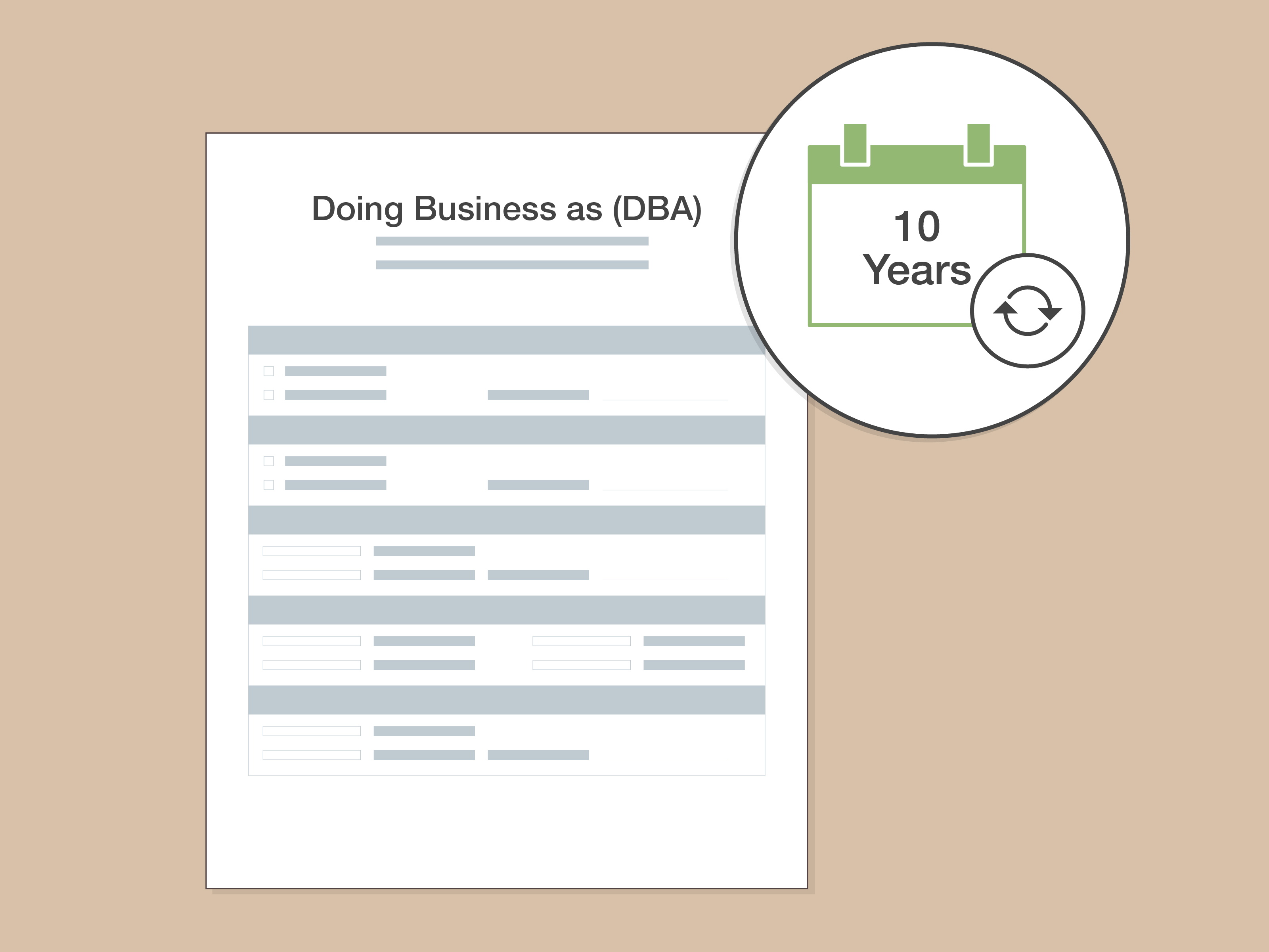
- Term/duration you want the DBA to last (Texas allows up to 10 years).
- Authorized signer(s) info.
Example: Your LLC is “Rio Grande Robotics, LLC,” but your customer-facing brand will be “RG Robotics.” Your assumed name certificate would list the assumed name “RG Robotics,” the LLC’s legal name, your office address, and the counties where you do business.
Step 4: How to Apply for a DBA in Texas if You’re an LLC or Corporation (Secretary of State Filing)
If you’re a filing entity (LLC/corp/etc.), you’ll usually use Form 503 (Assumed Name Certificate). You can typically file online through SOSDirect or submit by other accepted methods.
4A) Complete Form 503 the “no drama” way
- Item 1: Enter the assumed name exactly as you want it used publicly.
- Entity info: Match your entity name exactly to how it appears in state records.
- Duration: Choose a term up to 10 years (many people pick the full term for convenience).
- Counties: You can list all counties or specific counties, depending on how you operate.
- Signature: The signer must be authorized (owner/manager/officer, depending on entity type).
4B) Pay the fee and file
The state filing fee is typically modest. If you file online, you may also see small system/search fees depending on what you do inside the portal. If you pay by card, convenience fees may apply.
4C) Save proof like your future self is a detective
- Save your filing confirmation.
- Order a certified copy if a bank or vendor requires it.
- Store a PDF in a “Business Admin” folder you can actually find later.
Fun-but-true note: The number of times a DBA filing is needed is directly proportional to the number of times you say, “No one will ever ask for that.” The universe takes that personally.
Step 5: How to Apply for a DBA in Texas if You’re a Sole Proprietor or General Partnership (County Clerk Filing)
If you’re not a filing entity, you’ll file your assumed name certificate at the county clerk’s office. Each county can have its own form format, submission options, and fee schedule, so treat your county clerk site like the official instruction manual for your ZIP code.
5A) Get the county’s assumed name form
Many counties publish a downloadable form; others prefer you use their in-person process. Some offer mail-in filing if the document is notarized.
5B) Notarize or acknowledge signatures (often required)
County-level filings commonly require notarized signatures or in-office acknowledgment. Also, if multiple owners are listed, the county may require all owners to sign, and sometimes to appear with valid ID.
5C) File in the right counties
- If you maintain a business office: file in each county where that office exists.
- If you don’t maintain a Texas office: file in each county where you conduct business.
5D) Pay the county fee and request copies
County fees vary. Ask for at least one certified copy if you’ll open a bank account, apply for certain permits, or work with vendors who love “official documentation” the way toddlers love glitter: relentlessly.
Step 6: What to Do After Your DBA Is Approved
Filing is only step one. The point of a DBA is to use it consistently and correctly. Here’s what smart operators do next:
Open/adjust your business bank account
Banks often request proof of your assumed name filing. Bring your filed certificate and any certified copies the bank prefers.
Handle tax basics (EIN and state tax permits)
- EIN: If you need one, get it from the IRS through the official process (and don’t pay random sites to do something that’s free).
- Texas sales tax permit: If you sell taxable goods or provide taxable services, confirm whether you need a permit and register accordingly.
Update customer-facing items
- Invoices, contracts, estimates
- Website, signage, social profiles
- Email signatures and payment links
Contract tip: You can often sign as “Legal Name, doing business as DBA Name” to keep everything clear. If you’re unsure about contract language, talk to a lawyerbecause “I saw a TikTok about it” isn’t a legal strategy.
Step 7: Renewing, Updating, or Abandoning Your Texas DBA
Renewal: DBAs don’t last forever
Texas assumed name certificates are effective for a term that can be up to 10 years. If you still use the name when it expires, you generally file a new certificate before the expiration date.
Updates: when your filing becomes “materially misleading”
If key information changes (like your address, entity name, or structure), Texas rules may require filing a new certificate within a set period. Don’t ignore thispaperwork problems have a habit of showing up during financing, contracts, or lawsuits (aka: the three least convenient moments).
Abandonment: when you stop using the DBA
If you’re no longer using the assumed name, you can file a statement of abandonment. The proper form and execution requirements depend on whether the assumed name was filed with the state or at the county level.
Common Mistakes (So You Don’t Become a Cautionary Tale)
- Filing in the wrong place: county vs. Secretary of State confusion is the #1 mistake.
- Assuming a DBA “locks” a name: it usually doesn’tconsider trademarks for real brand protection.
- Forgetting counties: for unincorporated businesses, missing a county can create compliance issues.
- Not keeping proof: your bank will ask for it when you’re in a hurry. Always.
- Mixing names on documents: keep your legal name + DBA relationship clear on contracts and invoices.
Conclusion
Applying for a DBA in Texas is straightforward once you pick the correct filing lane: entities file with the Secretary of State, and sole proprietors/general partnerships file with the county clerk. Do a smart name check, fill the form carefully, keep your proof, and treat your assumed name like the brand asset it is.
Then, if your DBA becomes the face of your business, consider whether you also need stronger protection (like a trademark) and the right tax permits for what you sell. The goal isn’t just to fileit’s to file once, file correctly, and never think about it again until renewal time.
Real-World Experiences: What Filing a Texas DBA Feels Like (and What People Wish They Knew)
People rarely struggle with the idea of a DBA. They struggle with the tiny, real-world frictions that happen between “I picked a name!” and “Why is the bank asking for a certified copy while I’m holding a latte and my last shred of patience?” Here are common experiences and lessons that show up again and again for Texas business owners.
1) The “I thought my LLC name covered it” moment
A lot of owners form an LLC, get excited, buy a domain, and start marketing under a brand name that’s different from the LLC’s legal name. Months later, they try to open a merchant account or sign a lease, and someone asks, “Can you show proof you can use that business name?” That’s when the assumed name certificate suddenly becomes the most important document in the universe. The fix is simple: file the DBA, then keep your proof where you can access it fast (cloud folder + a printed copy for “paper-only” offices).
2) County clerk filings: the form is easy; the logistics are the boss battle
For sole proprietors and partnerships, the certificate itself is usually short. The curveball is execution requirements: original signatures, notarization, IDs, and sometimes “all owners must appear.” People who breeze through online everything are surprised when a county process feels like it’s proudly running on “1998 energy.” The workaround is to read your county clerk’s instructions carefully, and plan one of two paths: (a) in-person filing with IDs, or (b) mail-in filing with proper notarization and original signatures.
3) The name search that should have been broader
Another common experience: someone searches “Bluebonnet Media,” sees nothing identical, and assumes they’re safe. Then they discover “Bluebonnet Media Group” has been around forever, or there’s a similarly named business in the next county. A DBA filing might still be allowed, but confusion is bad for marketing and can create legal risk. The practical move is to search variations: plural/singular, spacing, “Co.” vs “Company,” and even common misspellings. If the name is central to your brand, do a trademark-focused search mindset earlybefore you print labels or wrap a truck.
4) The “DBA is not a business license” surprise
Many first-timers assume that once they file a DBA, they’re officially “licensed.” In reality, a DBA is just a name registration/notice filing. Depending on your city, county, and industry, you may still need permits, professional licensing, health department approvals, or sales tax registration. Owners often learn this when they try to join a local market, sign up for wholesale accounts, or get insurance. The best habit: treat the DBA as one checkbox in your “legal + tax setup” checklist, not the whole checklist.
5) The “paperwork comes back because of one tiny mismatch” story
This one is painfully common: “LLC” vs “L.L.C.”, an outdated address, the wrong county listed, or a missing owner signature. Most rejections aren’t dramaticthey’re small mismatches. The fastest way to avoid it is to copy entity names exactly from official records and to decide your county list and duration before you start writing. If you’re mailing documents, give yourself enough time to correct issues.
6) The moment you realize a DBA can make marketing easier
On the bright side, owners often report the same “aha” moment after filing: the DBA makes the business feel real. Branding becomes consistent. Invoices look professional. Customers stop asking, “Wait, who is this payment going to?” because the name on the invoice matches the name on the website. The DBA is a small administrative task that often pays back with clarity, credibility, and fewer awkward explanations.