Starting over in Nintendogs can feel a little dramatic. One minute you are tossing a virtual tennis ball to a tiny pixel puppy, and the next you are preparing to wipe the whole household like a responsible digital landlord. Whether you bought a used Nintendo DS cartridge, want a fresh kennel, or made a questionable naming decision at age nine and now must live with “Sir Barksalot III,” erasing your Nintendogs save file is possible.
The catch? Nintendogs does not place a big shiny “New Game” button on the main menu. Instead, Nintendo used a button-combination reset method, which is common for many Nintendo DS cartridge games. This guide explains exactly how to erase your Nintendogs game in eight clear steps, what to do if the reset screen does not appear, and how the process differs from nintendogs + cats on Nintendo 3DS.
Before you begin, take one important warning seriously: deleting your save data is permanent. Once the game is erased, your dogs, trainer points, items, rooms, unlocked breeds, contest progress, and carefully chosen accessories are gone. The game will not send them to a cozy farm upstate. They will simply disappear from the cartridge data.
What Happens When You Erase a Nintendogs Game?
When you erase your Nintendogs save file, the game returns to its original beginning state. You will be able to choose your first puppy again, name it, teach it tricks, earn money, enter contests, and rebuild your collection from scratch. This is useful if you bought a secondhand copy, share the game with someone else, or simply want the fun of beginning again.
In the original Nintendo DS versions, save data is stored on the game cartridge itself. That means deleting data from the system menu on a Nintendo DS, Nintendo DSi, or Nintendo 3DS usually will not erase the save file on the physical Nintendogs Game Card. To reset the original DS game, you need to use the in-game startup button combination.
Which Nintendogs Version Are You Resetting?
Before pressing every button like you are trying to summon a secret dog wizard, identify your version. The steps are slightly different depending on the game.
Original Nintendo DS Nintendogs Games
The original DS titles include versions such as Nintendogs: Labrador & Friends, Dachshund & Friends, Chihuahua & Friends, Dalmatian & Friends, and Best Friends. For these games, the usual reset command is:
Hold A + B + X + Y + L + R when the game starts up or when the Nintendogs title screen appears.
Nintendo 3DS nintendogs + cats
If you are playing nintendogs + cats on Nintendo 3DS, the reset combination is different. For that game, the official manual method is:
Hold A + B + X + Y when the nintendogs + cats title screen appears.
This article focuses mainly on the original DS Nintendogs reset process, but the troubleshooting section also explains the 3DS version so you do not end up pressing six buttons when four would have done the job.
How to Erase Your Nintendogs Game: 8 Steps
Step 1: Insert the Nintendogs Game Card
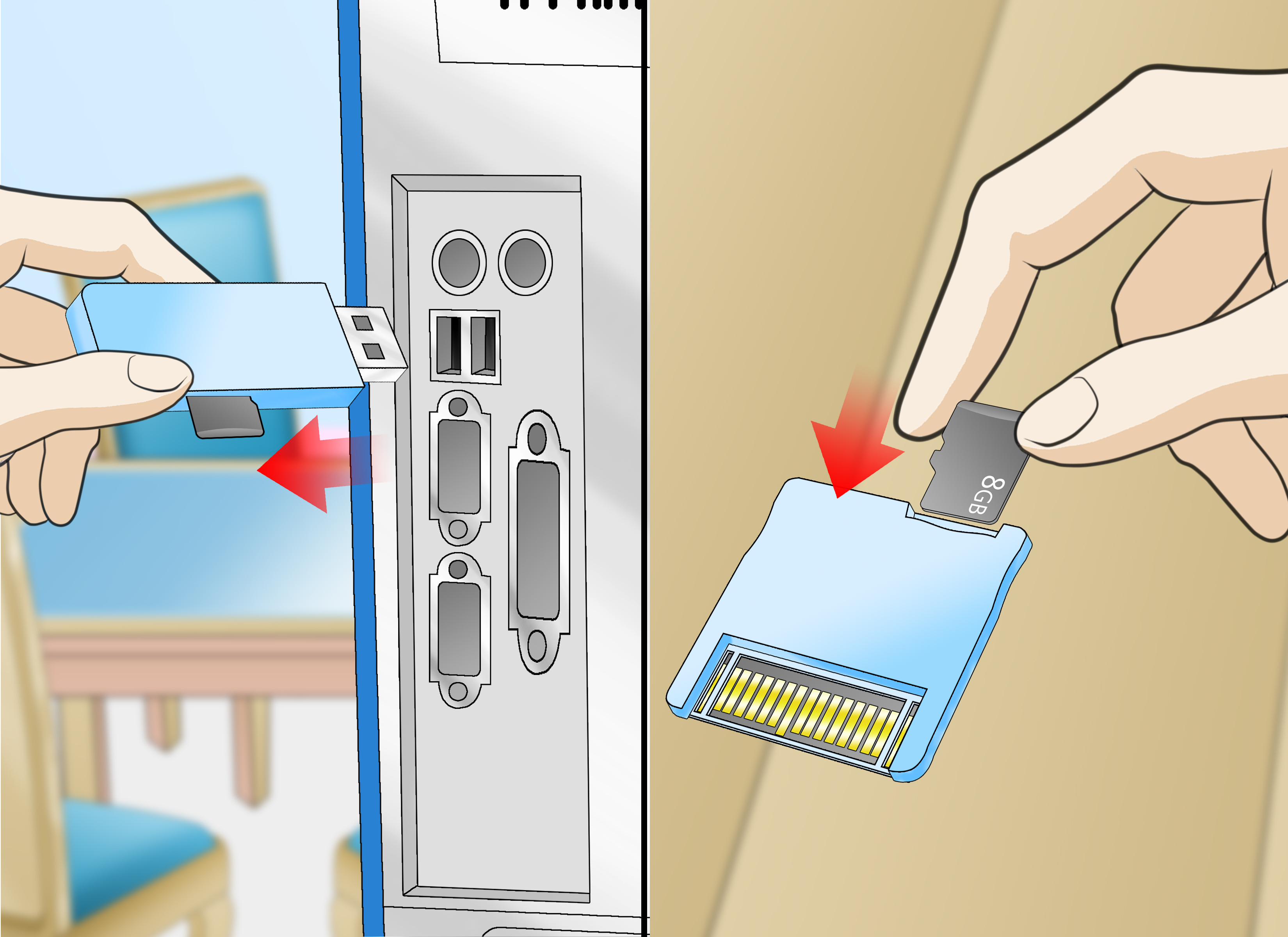
Place your Nintendogs Game Card into your Nintendo DS, DS Lite, DSi, 2DS, or 3DS system. Make sure the card is fully inserted. If the system does not recognize the cartridge, remove it, check for visible dust, and reinsert it carefully.
If you are using an older cartridge, avoid blowing into it. That classic gamer move feels heroic, but moisture from your breath is not exactly spa treatment for electronics. A clean, dry, soft cloth is safer for the outside of the cartridge.
Step 2: Turn On the Console
Power on your Nintendo handheld. If your system automatically starts the game, be ready to press the reset button combination quickly. If your system opens to a menu first, select the Nintendogs icon but do not relax yet. Timing matters.
The reset command usually needs to be held during startup or at the title screen, before your saved game fully loads. If the game reaches your house and your puppy starts looking at you like nothing happened, you probably missed the timing.
Step 3: Start Nintendogs
Tap or select the Nintendogs game icon to launch it. Keep your fingers ready. You are about to perform the famous “Nintendo hand yoga” move: holding six buttons at the same time.
For original DS versions, the buttons are:
- A
- B
- X
- Y
- L
- R
It may feel awkward at first, especially on smaller systems. Use both hands and press firmly but gently. You do not need to attack the console. It is a handheld game system, not a stubborn pickle jar.
Step 4: Hold A + B + X + Y + L + R
As the game loads or when the Nintendogs title screen appears, press and hold A + B + X + Y + L + R at the same time. Do not tap them one by one. The game needs to detect the buttons being held together.
If you are playing on a Nintendo DS or DS Lite, this usually feels natural because the shoulder buttons are easy to reach. On a 3DS or 2DS, the layout may feel slightly different, but the buttons still work for DS Game Cards.
Step 5: Wait for the Delete Confirmation Screen
If the combination is entered correctly, the game should display a message asking whether you want to delete all saved data. This is the point where Nintendogs politely asks, “Are you absolutely sure?” in its own Nintendo way.
Do not rush. Read the message carefully. Erasing the save data removes your current game progress, including your dogs, trainer points, items, unlocked content, rooms, and records. There is no undo button hiding behind the sofa.
Step 6: Confirm That You Want to Delete the Save Data
Select the option to confirm deletion. Many versions ask for confirmation more than once. This double-check exists because accidental deletion would be heartbreaking, especially if you have spent hours training a puppy to sit, roll over, sneeze, spin, and perform a routine more impressive than most school talent shows.
If the game asks a second time, confirm again only if you are completely ready to erase the save file.
Step 7: Let the Game Reset
After confirmation, allow the game to complete the deletion process. Do not power off the system, remove the cartridge, close the system aggressively, or start pressing random buttons. Interrupting the process can cause data problems.
Once deletion is complete, the game should restart or return you to the beginning setup. You will be able to begin a new game as if the cartridge were fresh from the store.
Step 8: Start a New Nintendogs Game
Now comes the fun part: starting over. Choose your first puppy, give it a name, teach it basic commands, and rebuild your Nintendogs life from the ground up. If you are resetting a used cartridge, this is your chance to make the game truly yours.
Take your time choosing a dog. The first puppy sets the tone for your new save file. Pick one you actually like, not just the one that looks cute for three seconds. Although, to be fair, they all look cute. That is the whole trap.
Troubleshooting: What If the Reset Screen Does Not Appear?
Try Holding the Buttons Earlier
The most common problem is timing. If your saved game loads normally, restart the console and try again. Begin holding A, B, X, Y, L, and R immediately after launching the game, or as soon as the Nintendo logo or Nintendogs title screen appears.
Make Sure You Are Pressing All Six Buttons
Missing even one button may prevent the reset prompt from appearing. Check that your fingers are holding A, B, X, Y, L, and R together. If one shoulder button is loose or unresponsive, test it in another game if possible.
Check Whether You Are Playing nintendogs + cats
If the game title is nintendogs + cats, you are not resetting the original DS game. For the 3DS version, hold A + B + X + Y when the nintendogs + cats title screen appears. Do not use L and R unless your version specifically requires it.
Do Not Rely on System Data Management for DS Cartridges
On Nintendo 3DS and DSi systems, Data Management can delete certain downloaded software data, system memory data, or SD Card data. However, original DS retail game saves are generally stored on the Game Card itself. For Nintendogs, the button-combination reset is the method that matters.
Restart and Try Again
Sometimes the game simply does not catch the button combination on the first attempt. Turn the system off, wait a few seconds, turn it back on, and try again. Be patient. Your console is not judging you, even if it feels like it is.
Can You Recover a Deleted Nintendogs Save File?
No. Once you erase your Nintendogs save data, you cannot recover it through the game. Original Nintendo DS cartridges do not offer cloud backups, user profiles, or modern save recovery features. When the data is gone, it is gone.
This is why you should only reset the game after you are completely sure. If you are unsure because you love your current dogs but also want a fresh start, consider waiting a day before deleting the file. The urge to reset can be powerful, especially after finding a used copy or returning to the game years later, but regret moves faster than a hungry Labrador hearing the treat bag.
Why Players Erase Their Nintendogs Game
They Bought a Used Copy
Secondhand Nintendogs cartridges often come with someone else’s save file. You might open the game and find dogs with names, rooms full of items, and progress that belongs to a previous owner. Resetting the game gives you a clean start.
They Want to Choose a Different First Dog
The first puppy matters. Some players reset because they want a different breed, color, personality, or name. Since Nintendogs is all about bonding with your virtual pet, starting with the right puppy can make the game feel more personal.
They Want to Relive the Early Game
The beginning of Nintendogs has a special charm. Teaching your puppy its name, practicing the first tricks, earning early trainer points, and saving money for basic supplies can be surprisingly satisfying. Resetting lets you experience that cozy progression again.
They Made Childhood Decisions
Many players return to old cartridges and discover that their younger self had bold creative instincts. Maybe every dog was named “Cutie.” Maybe the room design was chaos. Maybe the trainer name is something that should remain sealed in 2006. Resetting can be a gentle way to forgive your past self and move forward.
Tips Before You Reset Nintendogs
Before erasing your game, open your current save one last time. Look at your dogs, items, contest records, and unlocked breeds. If you care about memories, take photos of the screen with your phone. The image quality may not belong in an art museum, but it can preserve the moment.
You may also want to write down favorite dog names or tricks you taught successfully. That way, you can recreate parts of the old file in your new game. A reset does not have to mean forgetting everything; it can simply mean starting a cleaner, better-organized version of your kennel life.
Experience Notes: What Resetting Nintendogs Feels Like in Real Life
Resetting Nintendogs is technically simple, but emotionally it can feel weirdly dramatic. On paper, you are deleting a save file from an old handheld game. In practice, you might be saying goodbye to a digital puppy you trained after school, during road trips, or while pretending you were definitely going to finish homework “in five more minutes.”
One common experience is buying a used cartridge and opening it with curiosity. The game loads, and suddenly you are standing in someone else’s virtual living room. There may be a beagle named Max, a poodle named Bella, and a pile of items you did not earn. For some players, that is fun for a few minutes. It feels like discovering a tiny time capsule. But eventually, most people want their own beginning. Resetting the cartridge turns the game from “someone else’s pet diary” into your personal save file.
The button combination itself can be the funniest part. Holding A, B, X, Y, L, and R all at once feels like the handheld version of a secret handshake. If you are using a DS Lite, it is manageable. If you are using a 2DS or 3DS, your fingers may briefly resemble a spider trying to operate a calculator. The best approach is to set the system on a flat surface, use both index fingers for L and R, and press the face buttons with your thumbs. Hold the buttons before the title screen fully loads and keep holding until the confirmation prompt appears.
Another real-world lesson: do not reset in a hurry. Many players think they want a fresh start, erase the save, and then remember they had rare items, high trainer points, or a dog they were surprisingly attached to. Because there is no recovery option, it helps to pause before confirming deletion. Take a photo of the old file if it matters to you. Even a blurry picture can be enough to keep the memory.
Starting over can also make the game more enjoyable. The early stage of Nintendogs is charming because everything feels small and personal. You are not managing a huge collection of items or chasing perfect contest results yet. You are just choosing a puppy, teaching it to recognize its name, and celebrating when it finally understands “sit” instead of staring into space like a tiny furry philosopher.
If you are returning to Nintendogs years later, a reset can turn the game into a nostalgic comfort session. The graphics are simple, the touchscreen controls are very 2000s, and the microphone training can be unintentionally hilarious if the system misunderstands your voice. But the core loop still works: care for a puppy, teach tricks, go on walks, enter contests, buy silly accessories, repeat. It is calm, low-pressure, and oddly satisfying.
The best reset experience is one where you know exactly why you are doing it. Maybe you want a clean cartridge. Maybe you want to replay the beginning. Maybe you want to replace an old save with a new one that feels more organized. Whatever the reason, treat the deletion as a fresh start rather than a mistake eraser. Once the file is gone, build the new one with better names, better routines, and maybe fewer impulse purchases from the in-game shop. Your new puppy deserves financial stability, after all.
Final Thoughts
Erasing your Nintendogs game is easy once you know the hidden startup command. For the original Nintendo DS games, launch the game and hold A + B + X + Y + L + R until the delete confirmation appears. For nintendogs + cats on Nintendo 3DS, hold A + B + X + Y at the title screen. Confirm carefully, because deleted save data cannot be recovered.
A fresh start can make Nintendogs feel new again, especially if you are playing a used cartridge or returning after many years. Just make sure you are ready before you confirm. Once you reset, your old progress is gone, but a new puppy adventure is waiting with tiny paws, big eyes, and absolutely no understanding of personal space.
Note: This guide is based on official Nintendo save-data guidance, Nintendo game manual instructions, and widely confirmed player experience for original Nintendo DS Nintendogs cartridges and Nintendo 3DS nintendogs + cats.